MT5 Desktop
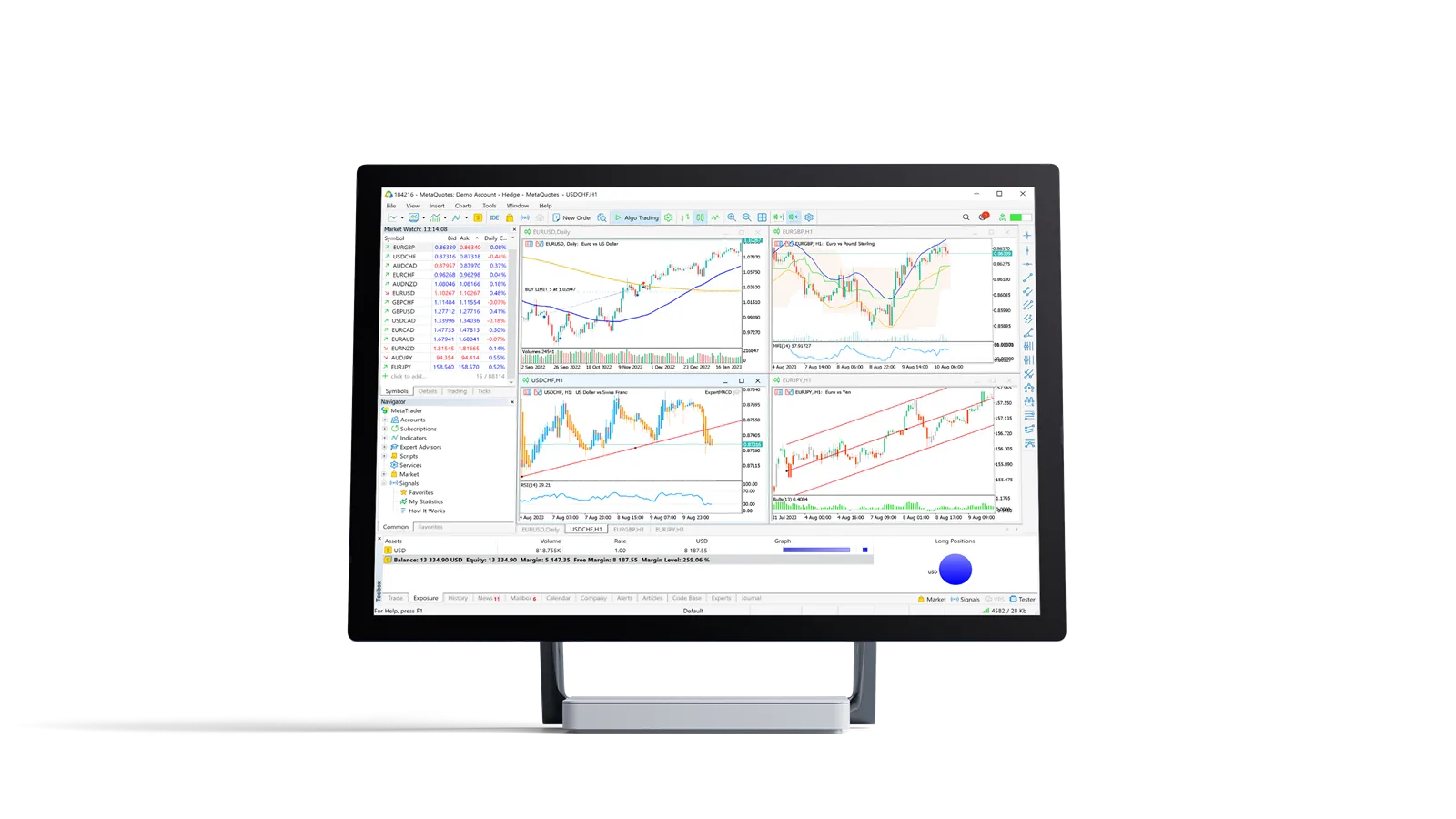
The full terminal. Depth of market, one click trading, advanced charting and the complete order ticket. Available for Windows and macOS.
Download
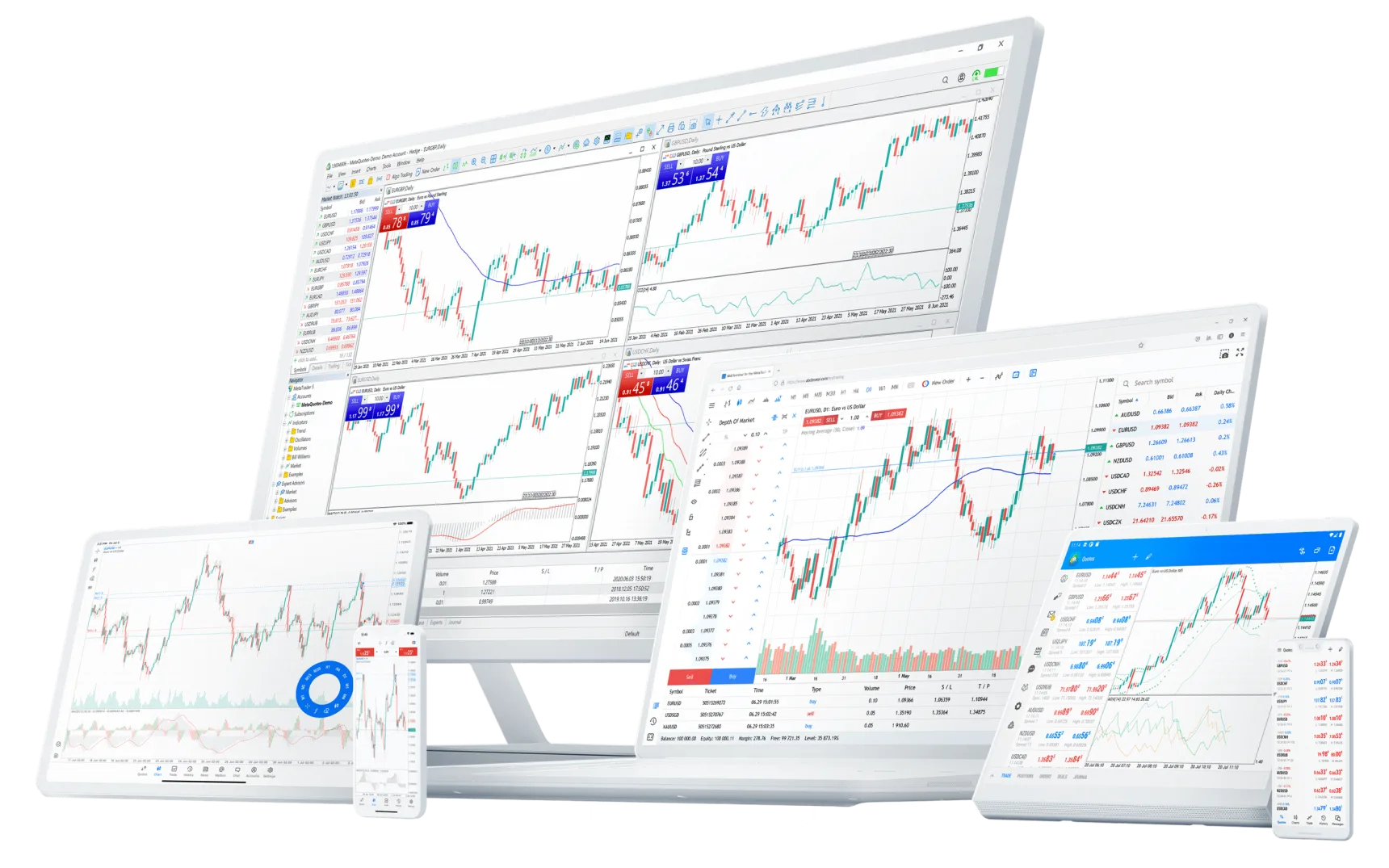
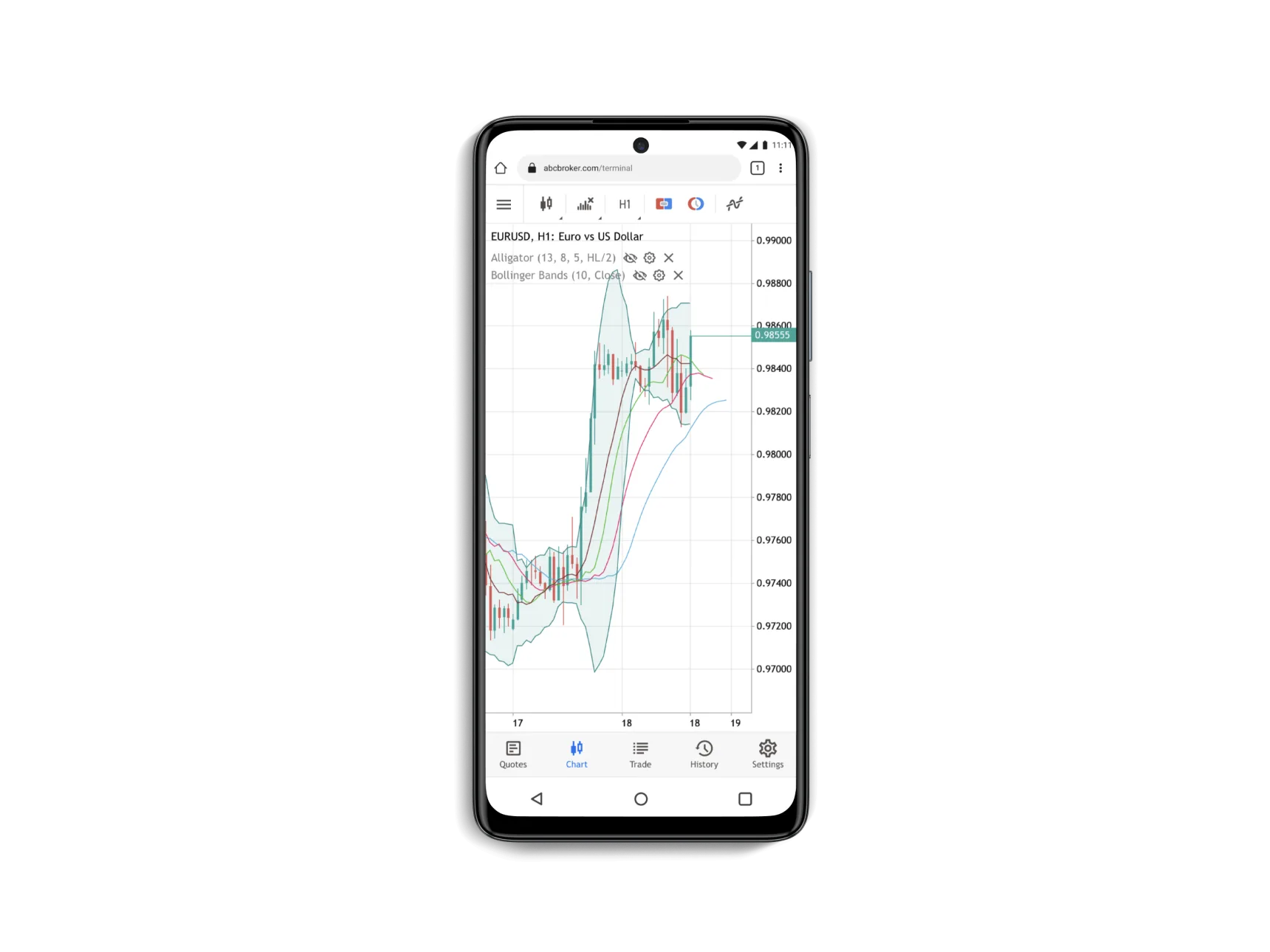
One account, three ways in. The desktop terminal for depth and analysis, the browser for when you are on someone else's machine, and mobile for managing positions away from your desk all sharing a single position book.
The full terminal. Depth of market, one click trading, advanced charting and the complete order ticket. Available for Windows and macOS.
DownloadThe full charting and order interface in a browser tab. No installation, no admin rights needed, and identical account state to the desktop terminal.
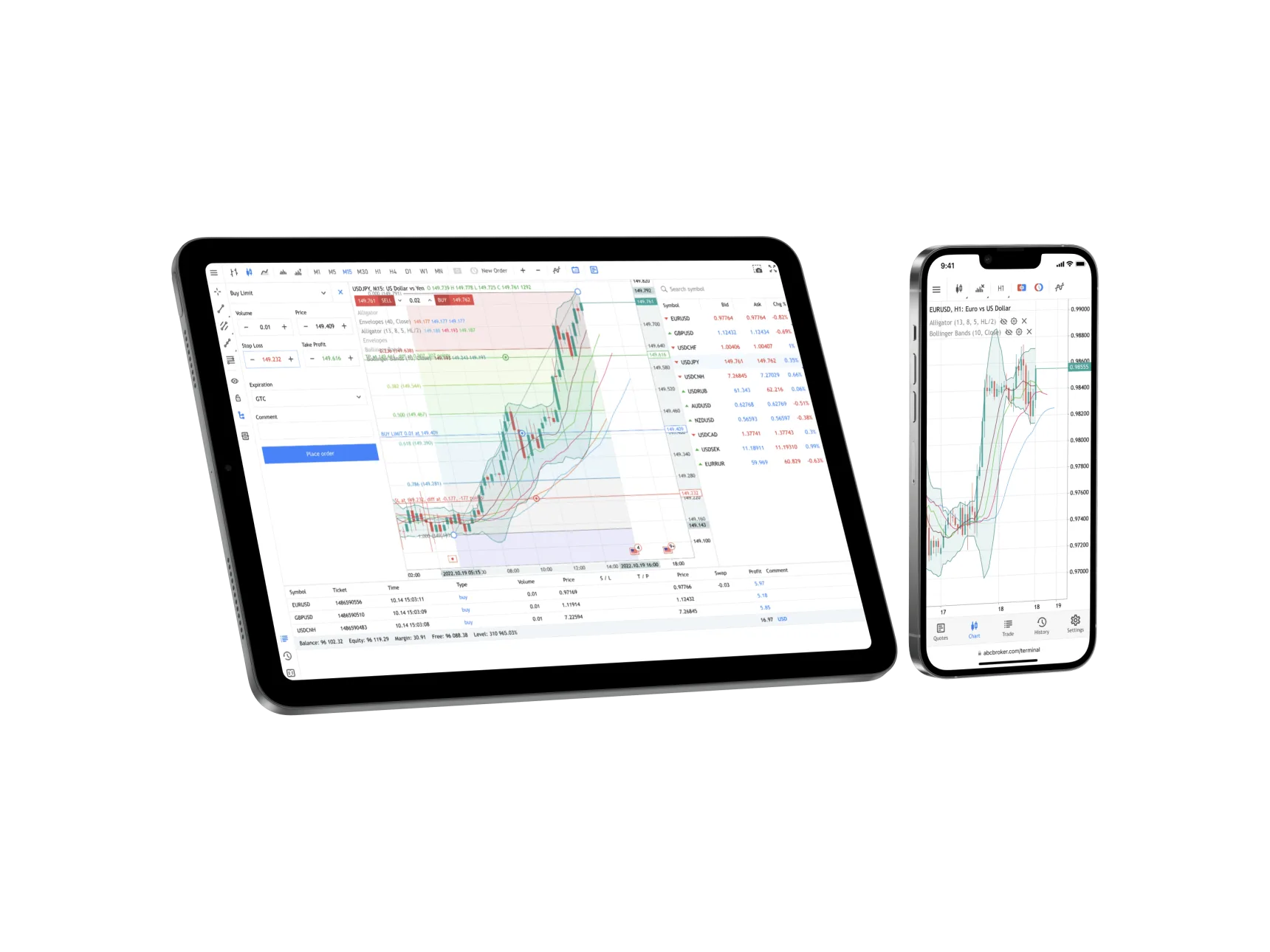
Launch WebTraderFull order management, interactive charts and push notifications on iOS and Android. Modify stops and close positions wherever you happen to be.
Get the app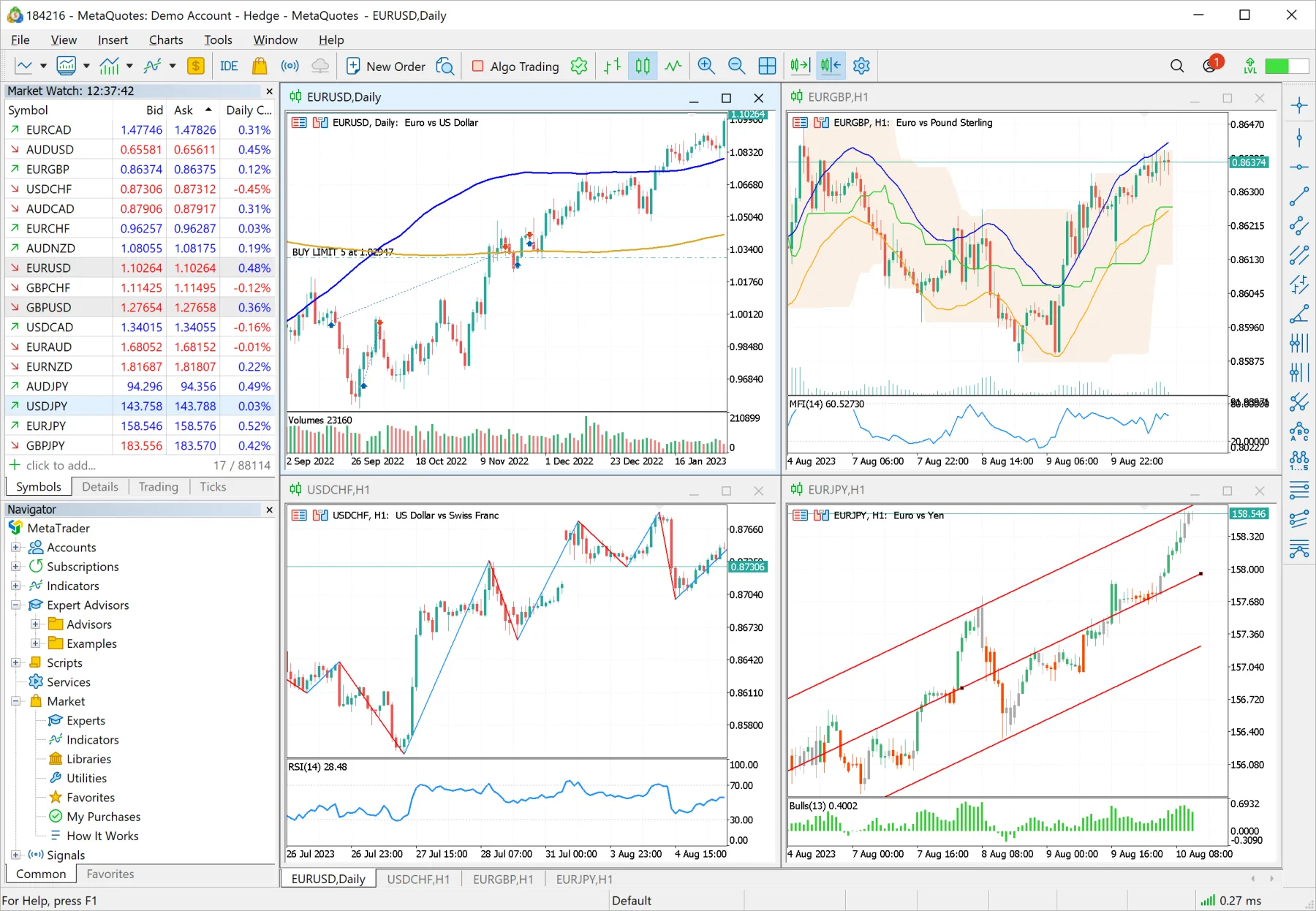
The same account, the same positions, on whichever device is in front of you.
Slide 1 of 4
MT5 terminal for Windows 10 and 11.
Download .exeNative build for Apple silicon and Intel.
Download .dmgTrade in the browser, nothing to install.
Launch WebTraderiPhone and iPad, from the App Store.
App StorePhones and tablets, from Google Play.
Google PlayDownload and run the installer for your operating system, then launch MetaTrader 5.
When prompted for a broker, search for ACSFX Markets-Live or ACSFX Markets-Demo & select it.
Enter the account number and password issued in your welcome email. Tick "save password" only on a device you control.
The status bar at the bottom right should show a green connection indicator and a data rate. If it shows "no connection", check your firewall.
Selecting the ACSFX Markets server in MT5